Posts on Bufferwall

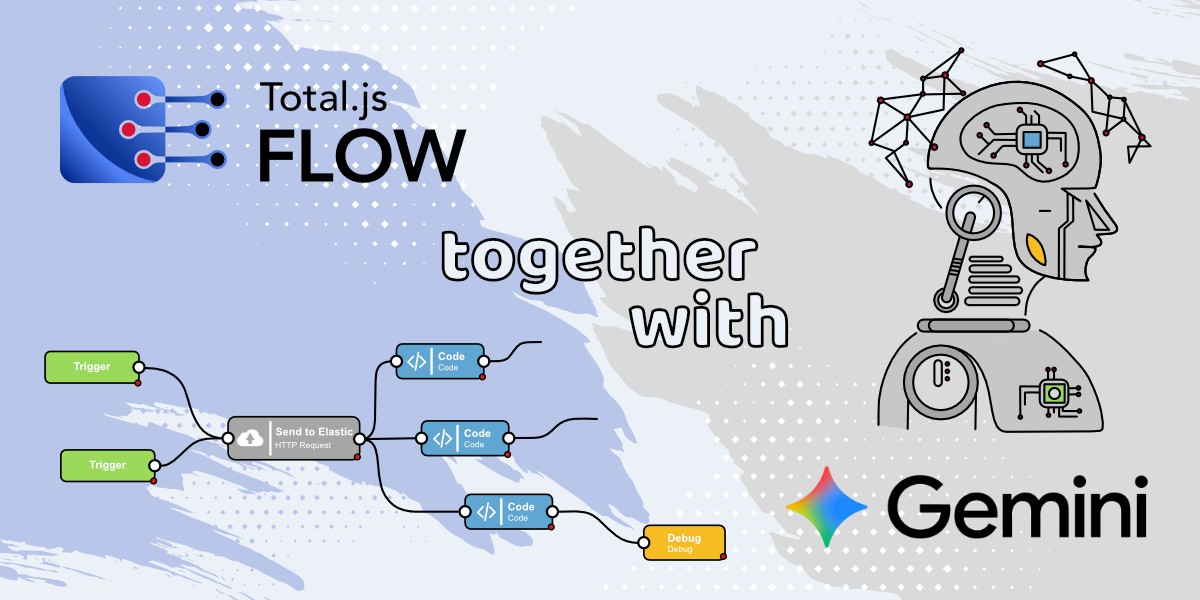 How to create Google Gemini AI component in Total.js Flow. This blog shows how to create a custom Google Gemini AI component for Total.js Flow, enabling you to integrate AI-powered text generation directly into your workflows. It covers everything from setting up the component to configuring its API key, models, and output for real-time AI responses.
New tabTutorials / 05 Sep. 2025 • 5 min read
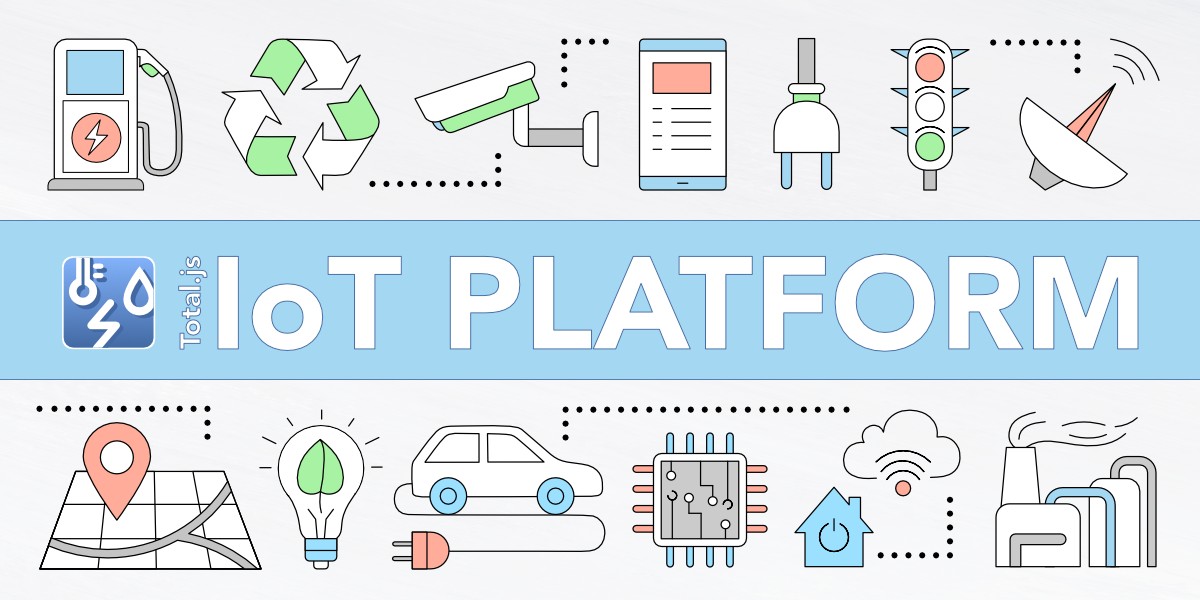
 IoT platform — Total.js. The final blog in the IoT Platform series demonstrates how to fully utilize the platform by working with drivers, devices, sensors, data ingestion, visualizations, and integrations. It also explores advanced features such as dataviews, zones, maps, reports, alerts, simulations, and panels to showcase the platform’s complete capabilities.
New tabTutorials / 25 Aug. 2025 • 9 min read
 How to install OpenPlatform — IoT platform. This blog explains how to install and configure OpenPlatform as the final step in setting up the Total.js IoT platform, allowing you to integrate IoT Platform, OpenReports, and Flow into one unified system. With OpenPlatform, you can manage users, permissions, and apps seamlessly, making your IoT data handling more efficient and secure.
New tabTutorials / 22 Aug. 2025 • 5 min read
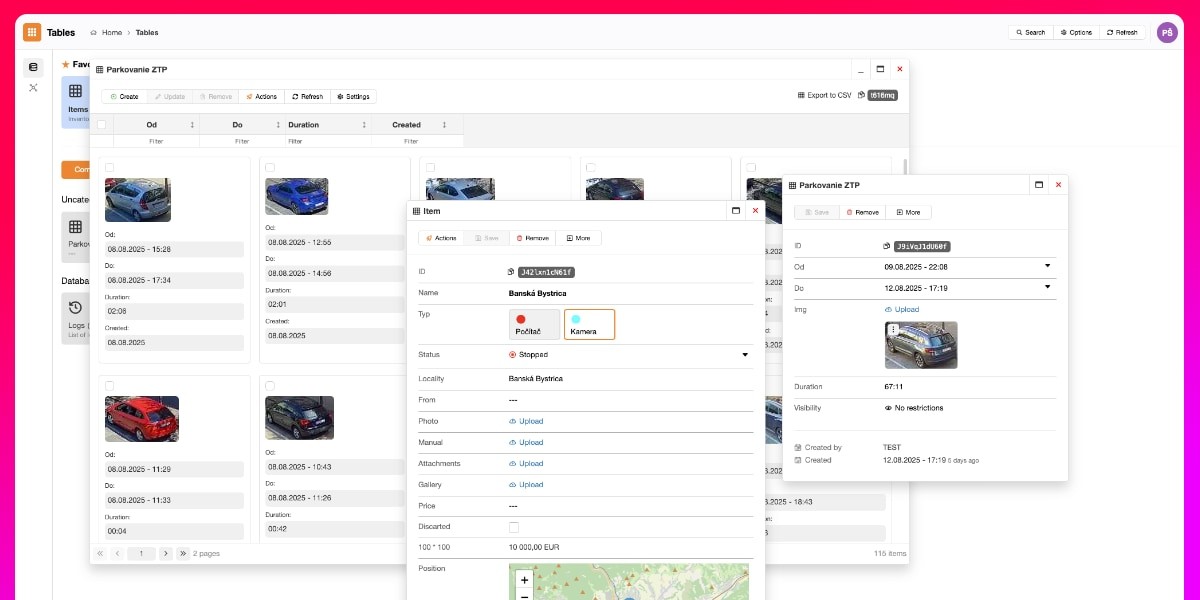
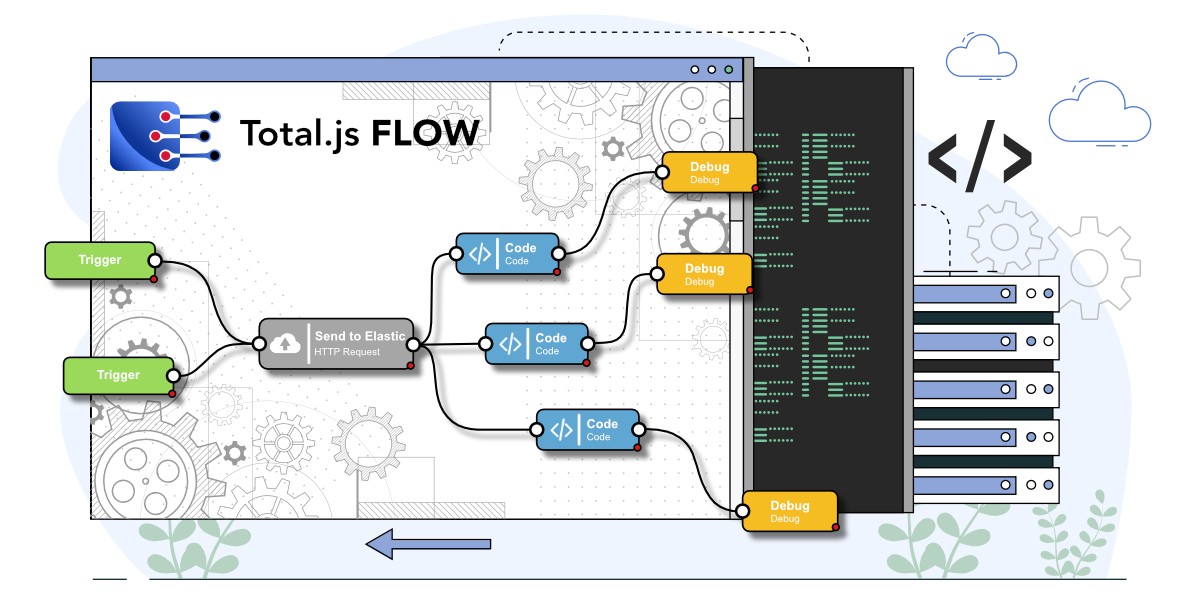 How to install Flow — IoT platform. This blog shows you how to install and set up the Flow application as part of the Total.js IoT platform, enabling real-time data processing, alerts, and automation through a low-code visual interface. By the end, you’ll have IoT platform, Stream, OpenReports, and Flow all running together with a basic architecture ready for further use.
New tabTutorials / 18 Aug. 2025 • 4 min read
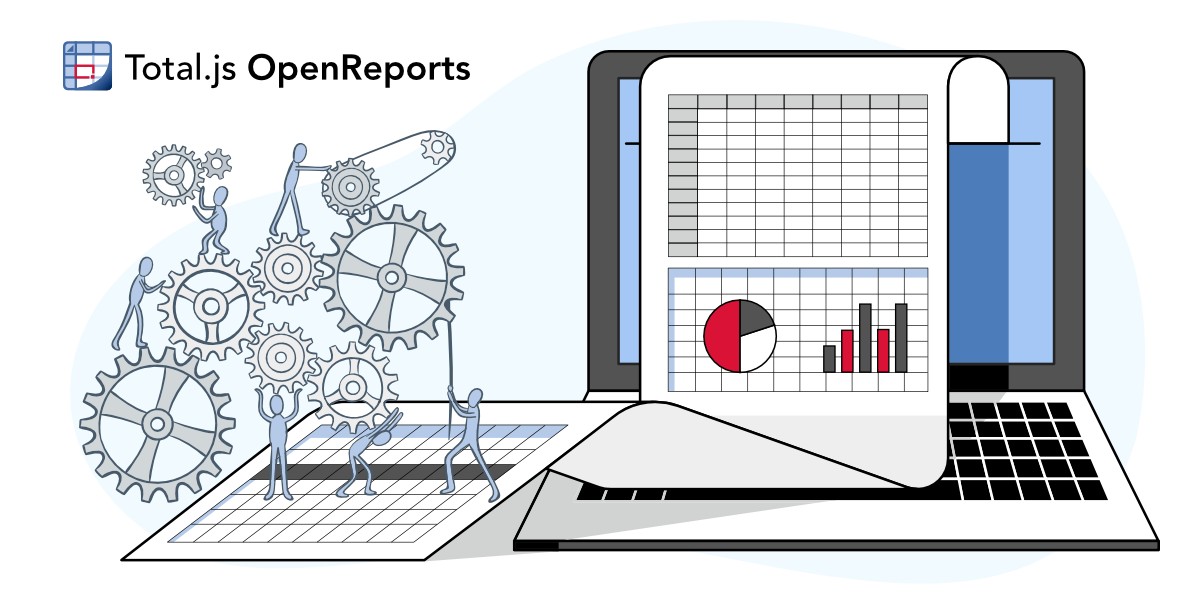 How to install OpenReports — IoT platform. This blog continues the IoT platform installation series by guiding you through installing and setting up OpenReports, a flexible reporting tool from Total.js. You’ll learn how to connect it to your database, create views, and generate reports, enabling you to analyze and manage your IoT data more effectively.
New tabTutorials / 15 Aug. 2025 • 3 min read
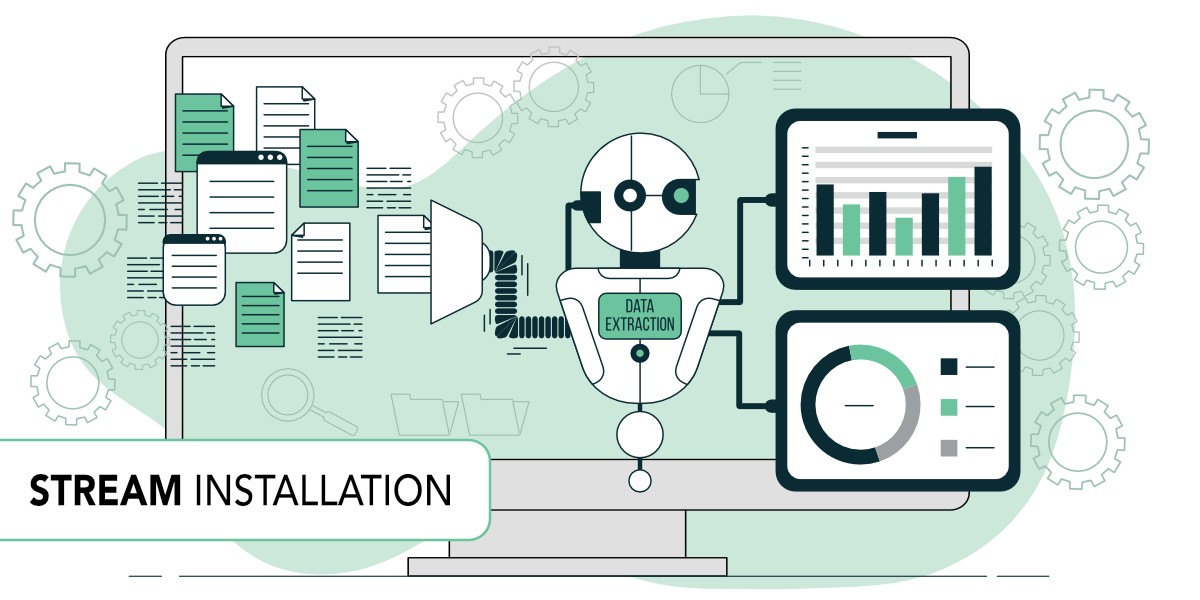 How to install stream to IoT platform — Total.js. This blog continues the IoT platform setup by explaining how to install and run the Stream application, which collects incoming data from sensors. You’ll learn how to create a driver and device, secure the data with a token, and send real-time values to your platform using a simple API request.
New tabTutorials / 08 Aug. 2025 • 5 min read